
Why this matters
Real folders are heterogeneous.
A project export, phone backup, or download folder may contain photos, recordings, music, and unrelated files. A useful batch tool should not force every discovered item through the same rule or silently ignore unsupported input. File Island builds a per-type plan and presents the eligible, skipped, and blocked scope before conversion.
Steps
Batch convert a mixed folder.
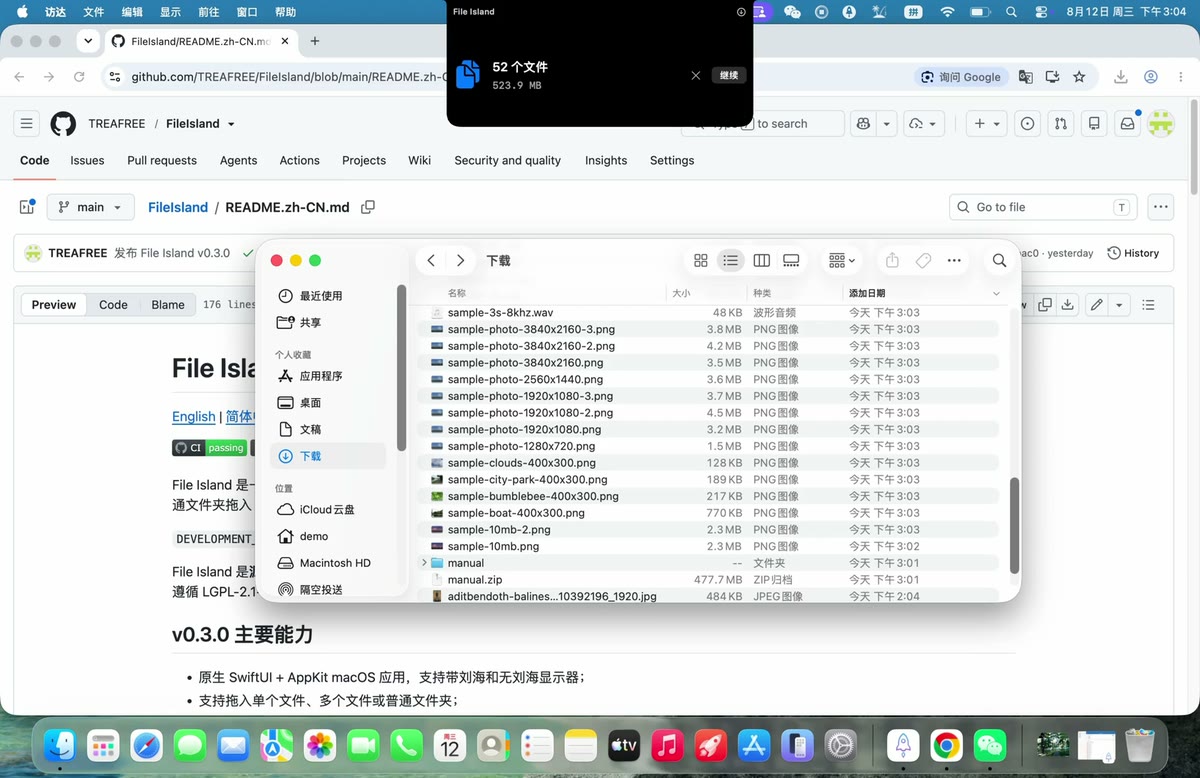
Drop an ordinary folder
File Island recursively inspects supported local files. Hidden entries, packages, apps, and symbolic links are excluded.
Review discovered groups
Switch between image, video, and audio groups. Counts and summaries make the scope visible.
Choose independent settings
For example, images can become JPEG, videos can become MP4, and audio can become M4A in the same batch.
Start one coordinated job
Outputs are staged, validated, and published with collision-safe names while preserving safe relative structure.
Safety model
Predictable input and output boundaries.
- Sources are never overwritten. Conversion publishes new files to the authorized destination.
- Relative structure is validated. Output paths cannot escape the destination root.
- Unsupported media is explicit. The plan reports what can run instead of disguising an unknown file as a successful conversion.
- Failed batches clean staging. File Island does not intentionally publish an unvalidated partial batch.
混合文件夹并不是“把所有文件强行转成同一种格式”。图片、视频和音频会进入不同的转换计划;普通文档、隐藏项目、App、Package 和符号链接不会被当作媒体处理。
Scope to remember
Folder scanning does not make every format supported. The verified format matrix still applies to each discovered file. Large batches also depend on available storage, because outputs are staged and checked before publication.
Related